Connecting Your Solution
To give a user access to your service, you can either integrate external API to your users' dashboard or start building your own solution in the project itself.
How it works
After a client makes a purchase on your website (either a subscription plan or a one-time payment), they will have access to create an account on your website and access the dashboard using the email they entered during the Stripe checkout process.
You can integrate your solution into users' dashboard using the REST API and a bit 🤏 of programming
Set up dashboard's layout and integrate API
Go to dashboard/index.vue and after the "_*:" comment add your own layout for main dashboard page.
After that you can integrate your solution using REST API.
- Access the user data from
userStore.userDataobject. - Access the product data from
userStore.productDataobject. - Access the price data from
userStore.priceDataobject.
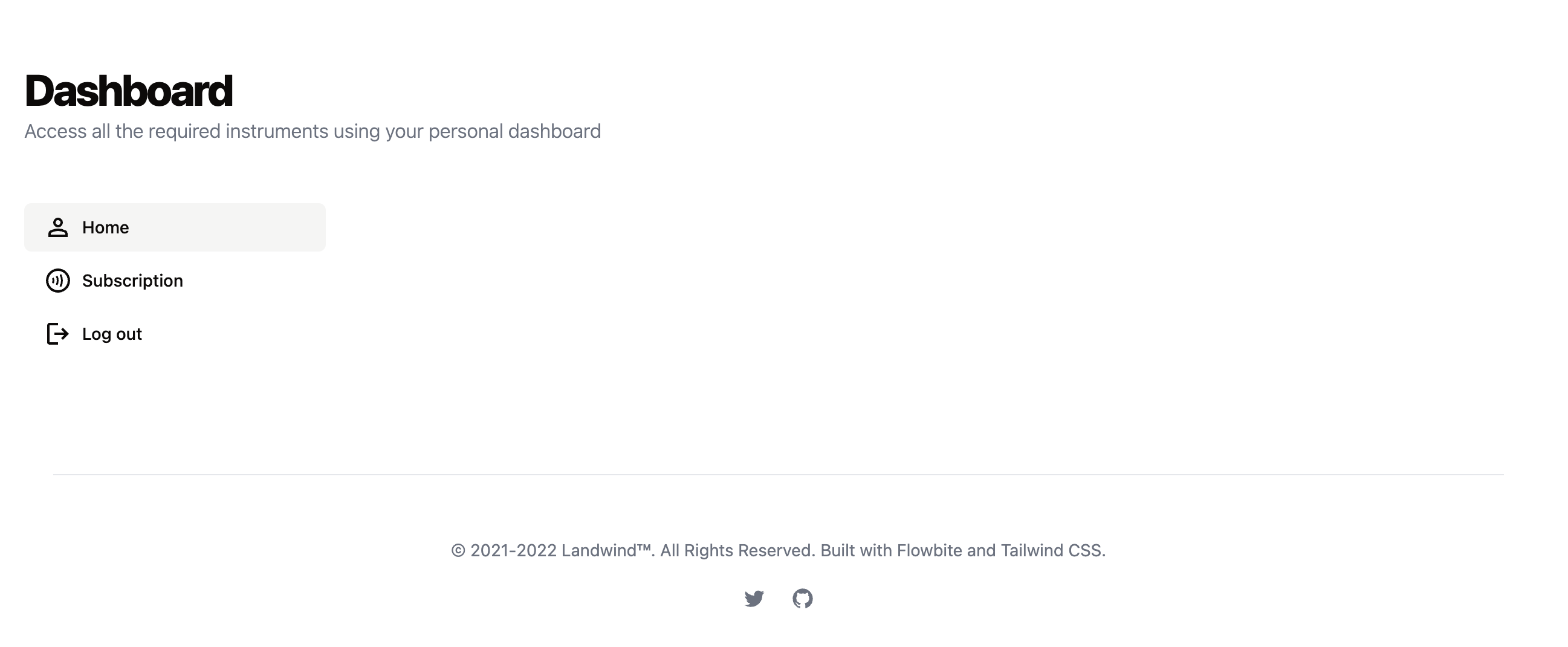
Add more pages to the dashboard
In case you need more pages in users' dashboards, go to layouts/dashboard.vue and add more object data (navigation menu items) in there.
Then, add new page in views/ folder. More info on how to create new pages on the website
const sidebarNavItems = [
    {
        id: 'home',
        title: 'Home',
        href: '/dashboard',
        icon: 'material-symbols:person-outline'
    },
    {
        id: 'subscription',
        title: 'Subscription',
        href: '/dashboard/subscription',
        icon: 'mdi:contactless-payment-circle-outline'
    }
]