Theming
Shadcn-vue & tailwind.css offers a simple way to apply and customize themes. Follow the steps below to choose and implement a color scheme for your website.
Step-by-Step Guide
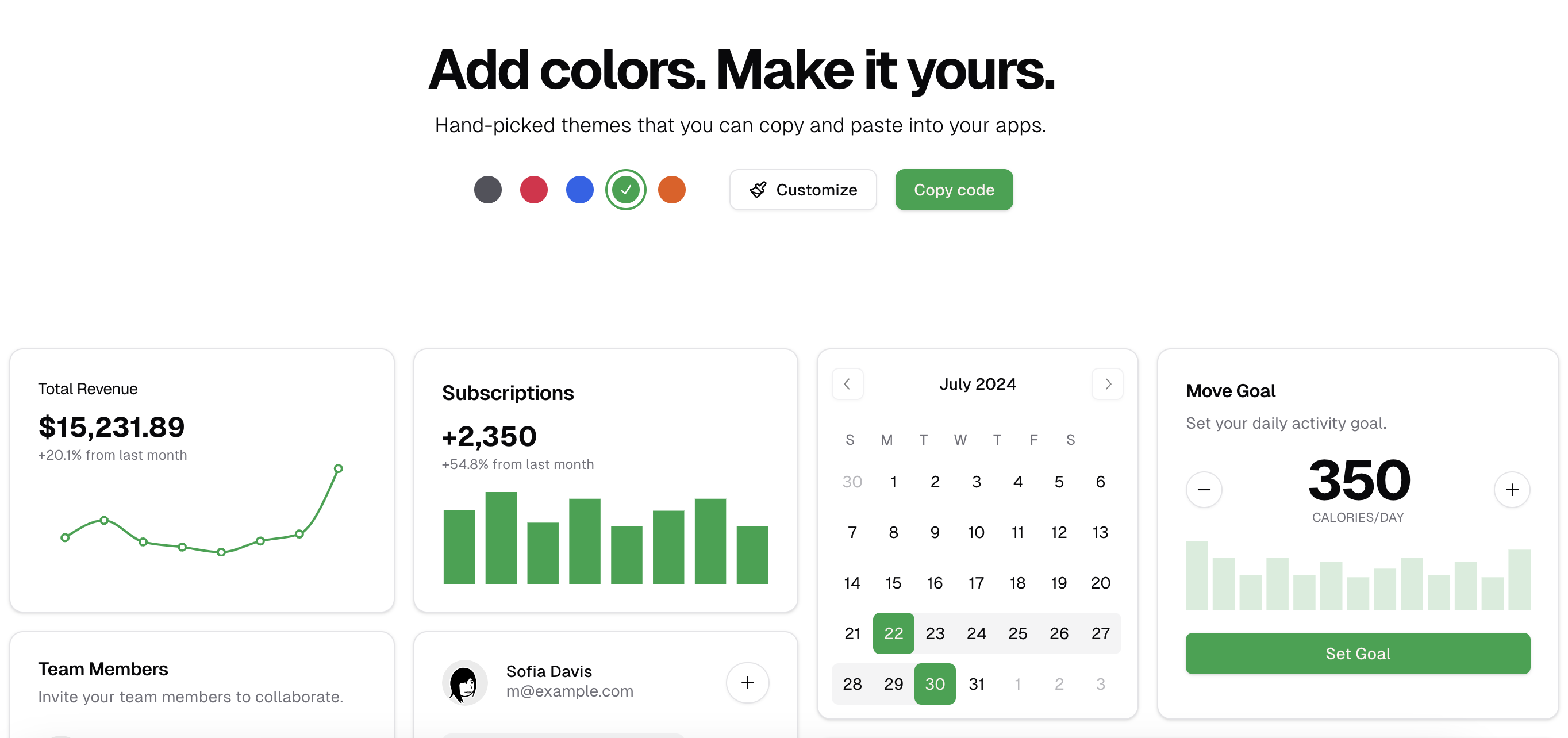
First, navigate to the shadcn vue themes page. Choose and customize your theme. Most themes will have options for primary, secondary, and accent colors, among others.
Copy the Theme Code
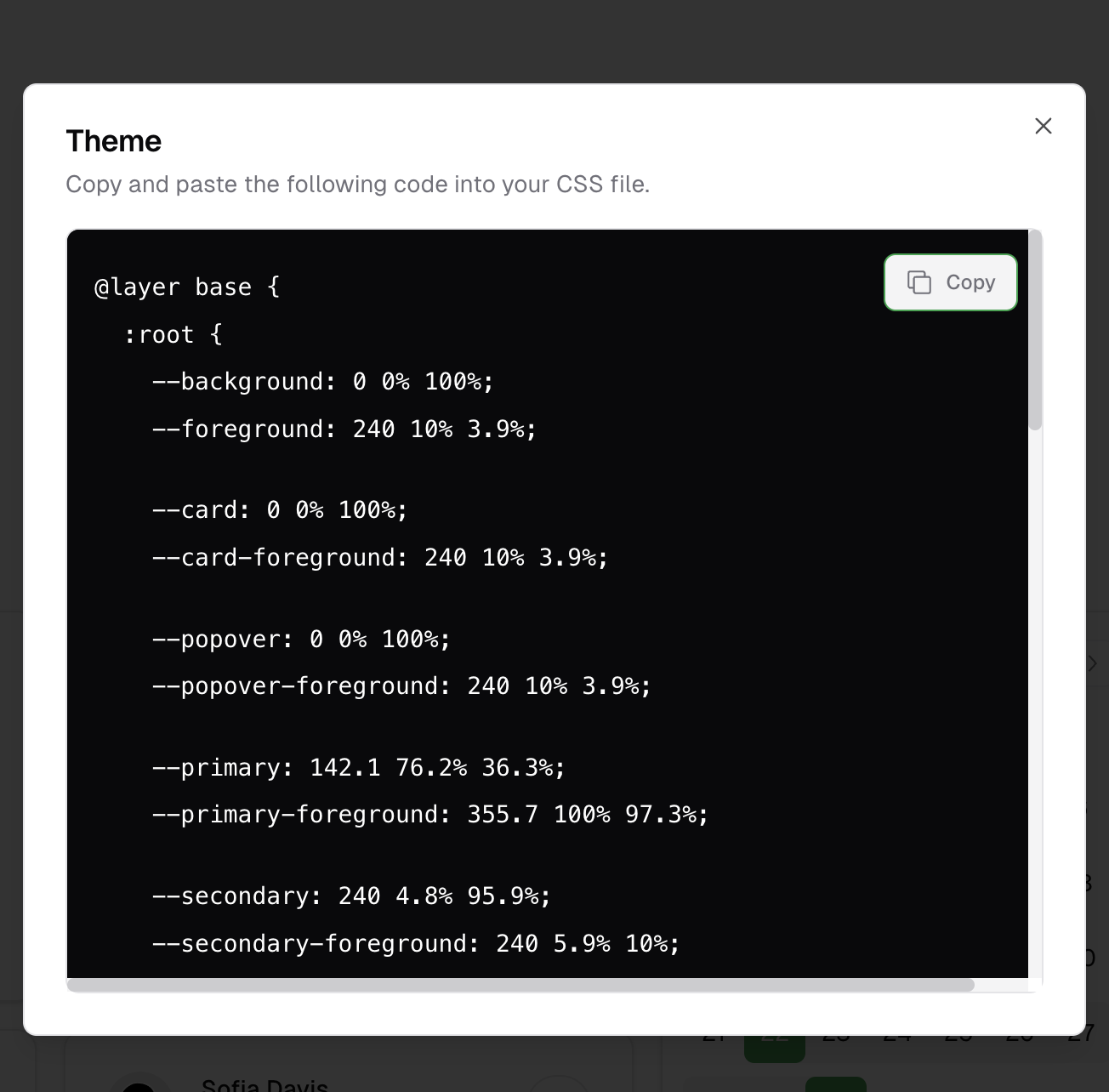
Once you're satisfied with your customizations, copy the generated CSS code. This code contains all the styles needed to apply your chosen theme.
Replace the Contents of tailwind.css
Now, you need to apply the copied CSS code to your website.
Open the file located at /assets/css/tailwind.css.
Replace the contents of this file with the CSS code you copied from the shadcn-vue themes page.
Save the file.
Apply the Changes
To see the changes on your website, ensure that your development server is running. If it is not, start it by running the appropriate command for your project (e.g., npm run dev for a Nuxt.js project).